Your Home Network Audit: Small Steps for Permanent Peace of Mind
Your router is the front door to your digital life. Learn how a simple network audit and the "Guest Network" strategy can create an invisible shield for your home.
FLORIDA FRAUD DEFENSE INITIATIVEFFDIFRAUD PREVENTIONSCAM AWARENESSHOME SECURITYMULTI-FACTOR AUTHENTICATIONSCAM PREVENTIONONLINE SAFETYMFA
Friendly Tech Guide
4/16/20262 min read
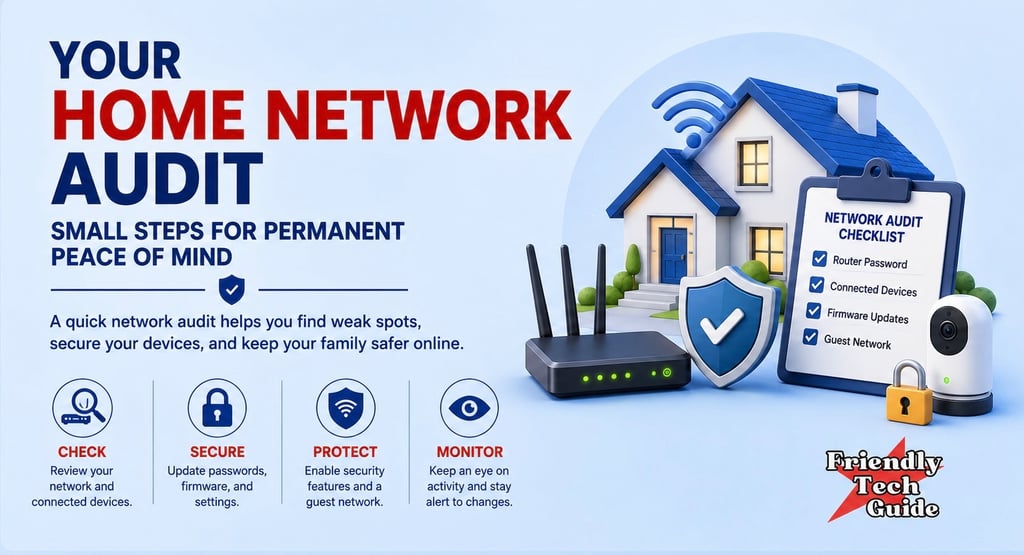
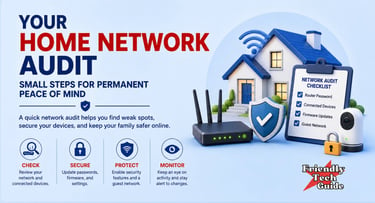
Most of us treat our home internet router like a toaster. We plug it in, hide it behind a bookshelf, and forget about it as long as the signal is strong. According to safety guidance from the Federal Communications Commission (FCC) and the Cybersecurity and Infrastructure Security Agency (CISA), your router is actually the front door to your digital home. If that door is left unlocked or still uses default settings, everything inside, including your banking, your private conversations, and your security cameras, is more exposed than it should be.
The first step toward real digital peace is changing how you view your network. Instead of seeing it as a utility provided by your internet company, start seeing it as a private space that you own and manage.
The Simple Network Audit
Locate your router and look for the sticker with the original network name, also called the SSID, and password. If you are still using those original settings, you are relying on security choices made by the manufacturer instead of choices you made for your own home.
Recognize that default settings are a weak starting point, not a finished security plan.
Pause before adding another device to a network you have not secured yet.
Verify your settings by signing in to your router’s official app or administrative page.
Changing the network name to something that does not identify you personally and creating a unique, long passphrase is a practical way to make unauthorized access much harder.
The Power of the Guest Network
We often overlook the guests on our networks. From smart lightbulbs to internet-connected refrigerators, every new gadget adds another possible weak point. CISA recommends using a guest network when your router provides one.
By putting smart home devices on a separate guest network, you create a firebreak. If a cheap smart plug is compromised, it is harder for that problem to spread to the laptop where you do your taxes or store family photos. This is not about paranoia. It is about building resilience so that you can browse with more confidence.
Maintaining Your Shield
Your router is essentially a small computer, and like any computer, it needs updates. Manufacturers periodically release software updates, also called firmware updates, to patch security holes.
Pause once every few months to check whether your router has an update available. Many newer routers can be set to update automatically. Applying those updates is your way of servicing the lock on your digital front door.
If you found this information helpful, please forward it to someone who could benefit.
Friendly Tech Guide provides general education and support. We are not a law firm, bank, or government agency. For legal or financial advice, contact a qualified professional. If you believe you are in immediate danger, call local law enforcement.
Sources:
Personalized technical assistance at your convenience.
© 2025. All rights reserved.